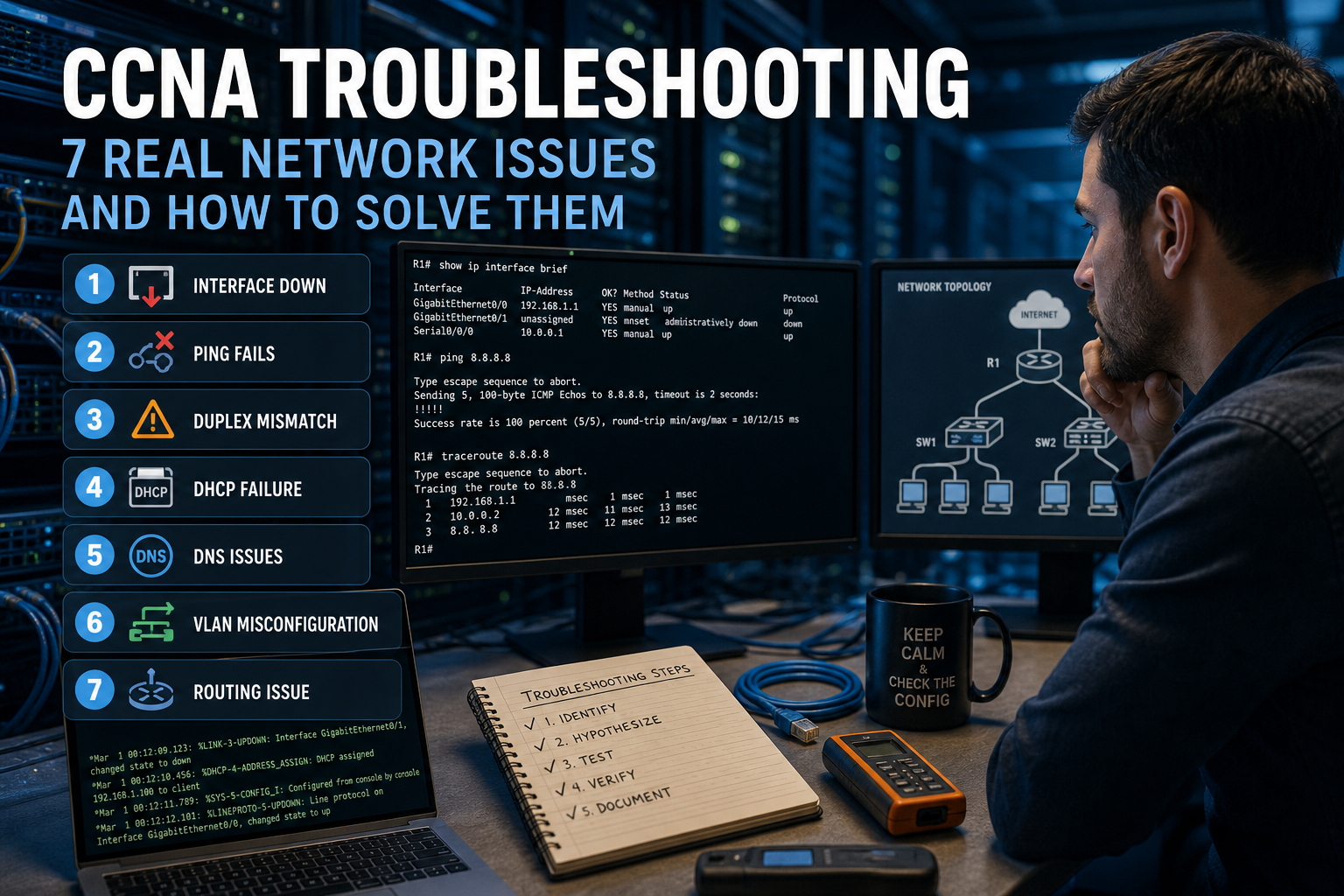
CCNA Troubleshooting: 7 Real Network Issues You Must Know
Real-world CCNA troubleshooting examples with common errors and practical solutions.
Theory alone is not enough.
Real skills come when things break.
These are real problems every network technician faces.
❌ 1. Interface down
Problem
Cannot reach a device.
Check
show ip interface brief
Causes
- unplugged cable
- shutdown port
- device off
❌ 2. Ping fails
Problem
Ping does not respond.
Check
ping 192.168.1.1traceroute 192.168.1.1
Causes
- wrong gateway
- firewall
- missing routing
❌ 3. Duplex mismatch
Problem
Slow or unstable connection.
Check
show interfaces
Causes
- mismatched duplex settings
❌ 4. DHCP failure
Problem
No IP assigned.
Check
- DHCP enabled?
- correct VLAN?
Causes
- unreachable DHCP server
- misconfiguration
❌ 5. DNS issues
Problem
Hostnames do not resolve.
Check
ping google.comping 8.8.8.8
Causes
- DNS not configured
- DNS unreachable
❌ 6. VLAN misconfiguration
Problem
Devices cannot communicate.
Causes
- different VLANs
- trunk issues
❌ 7. Routing issue
Problem
Networks cannot reach each other.
Check
show ip route
Causes
- missing routes
- incorrect configuration
🎯 Conclusion
Troubleshooting is learned by doing, not just reading.
🔗 Learn more
https://www.certifyquiz.com/certifications/ccna
https://www.certifyquiz.com/certifications/ccna/technical-support
Discover your level
Take the free test and get your result by email.
Discover your level
Take the free test and get your result by email.
Ready to practice?
Jump into quizzes, train with realistic questions, and track your progress.